Delivery
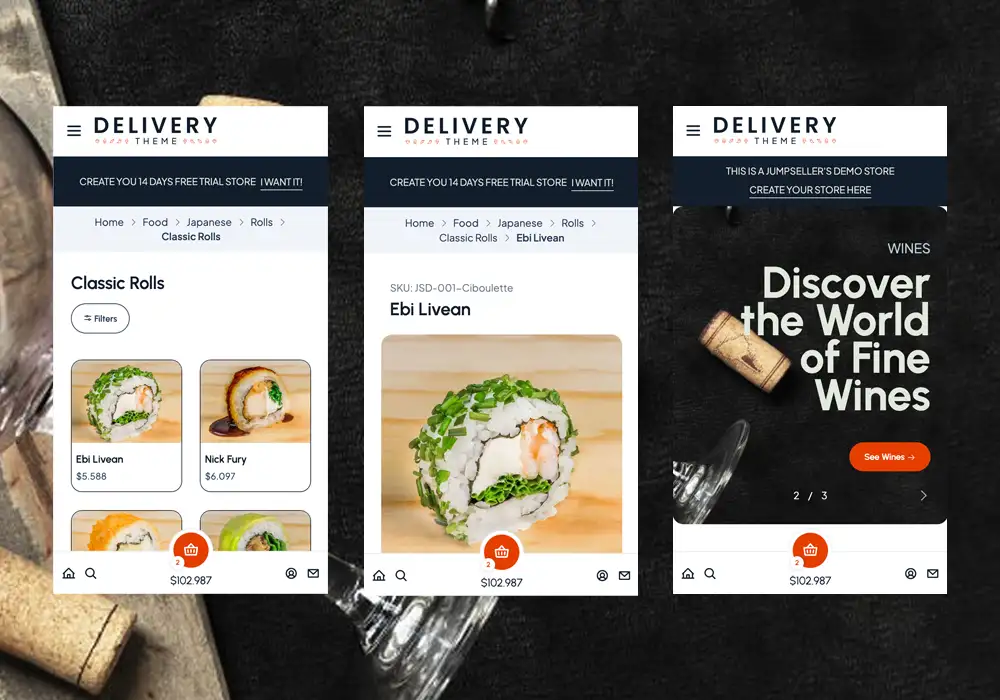
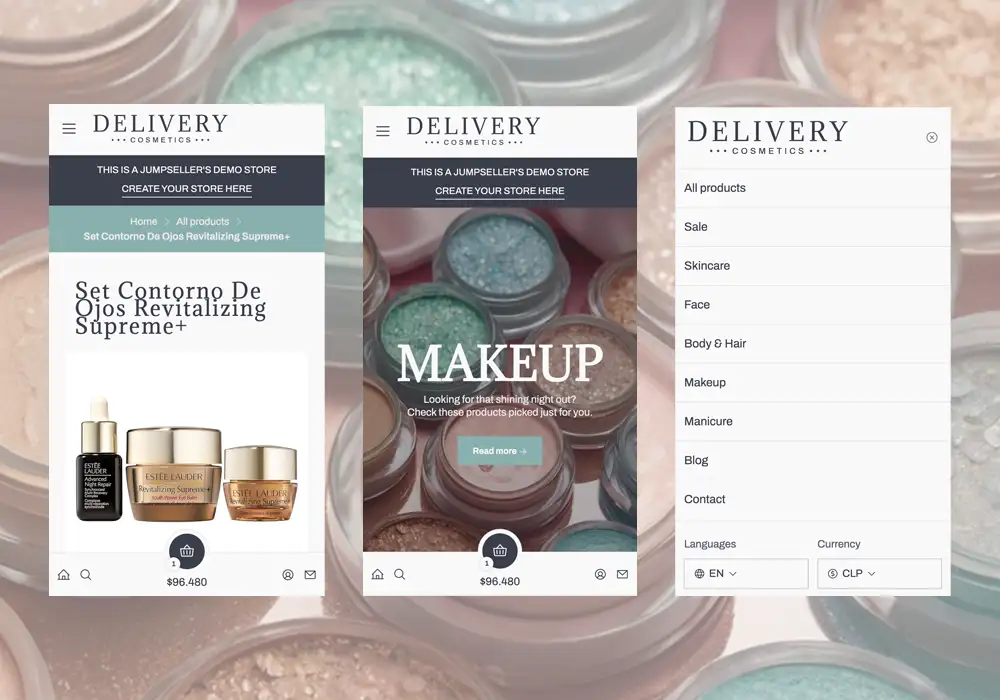
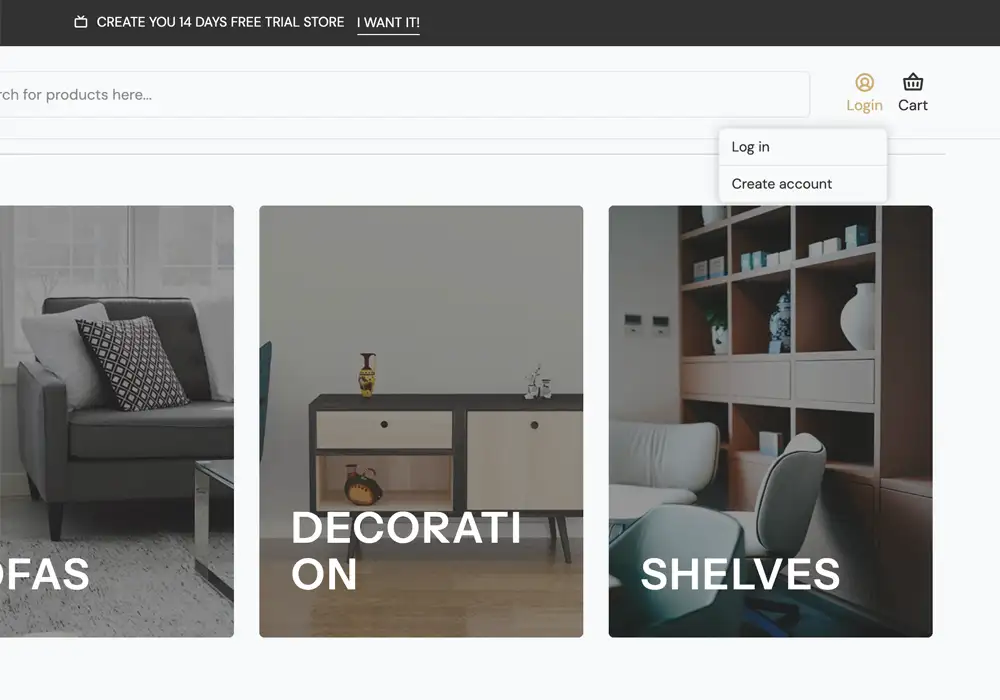
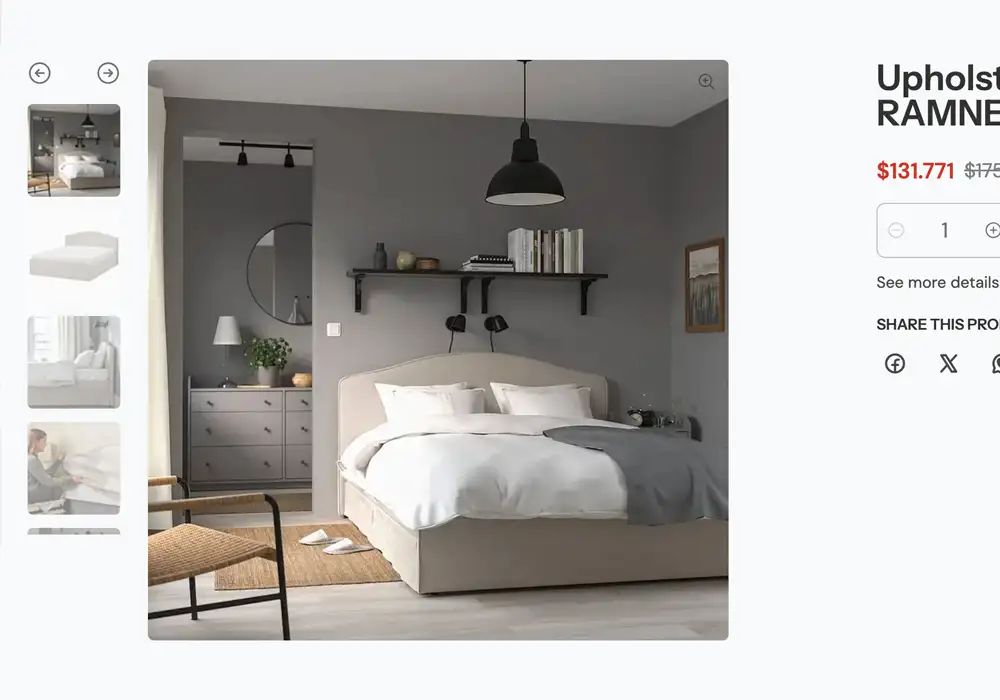
Introducing the revamped Delivery theme! Its sleek, minimal design is tailored for restaurants, food services, and perishable items. With enhanced performance and a user-friendly navigation, it mimics popular delivery app interfaces.
Fully customizable, it provides a seamless experience, ensuring customers can easily browse and order.
Start your free 7-day trial. No credit card required.
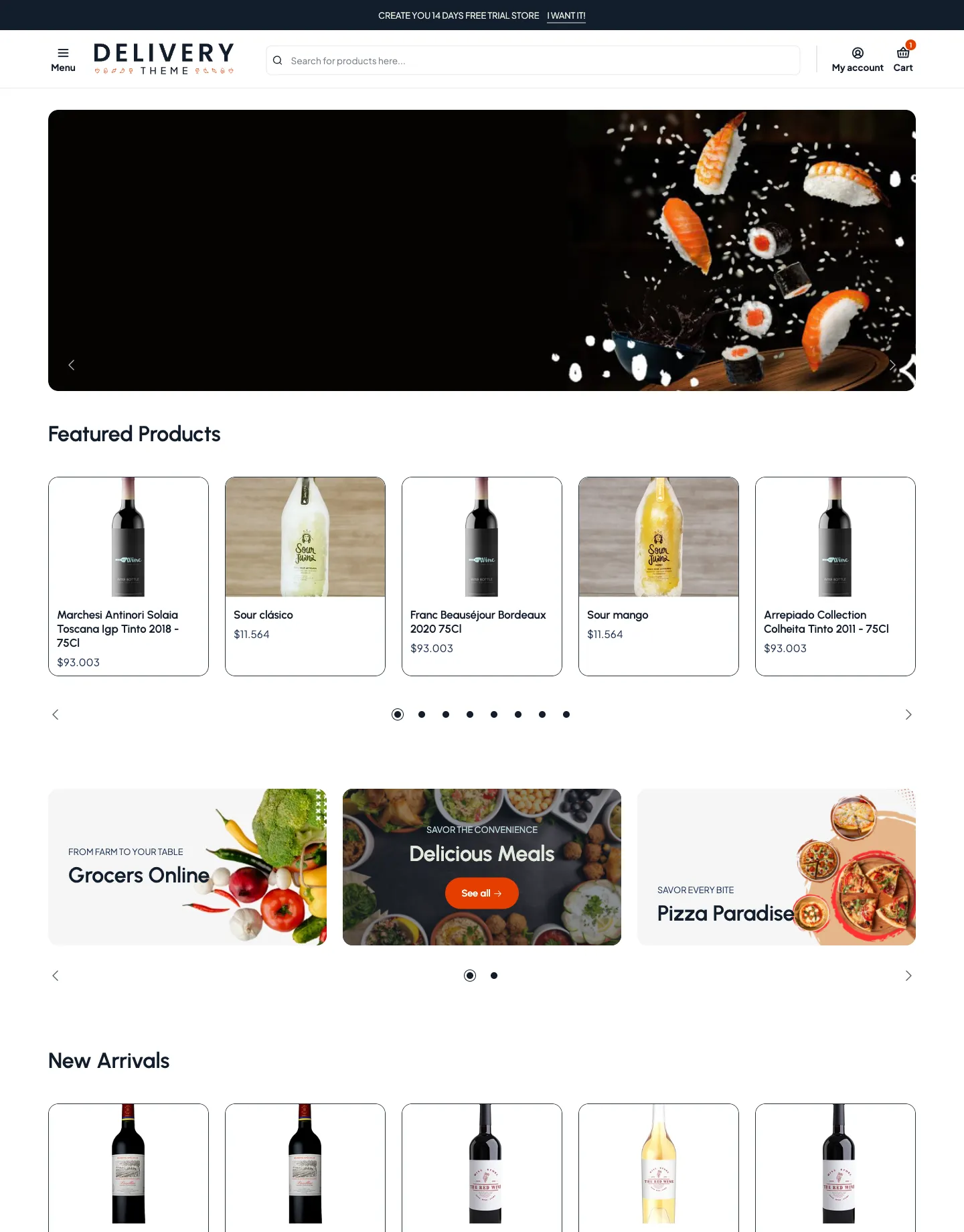
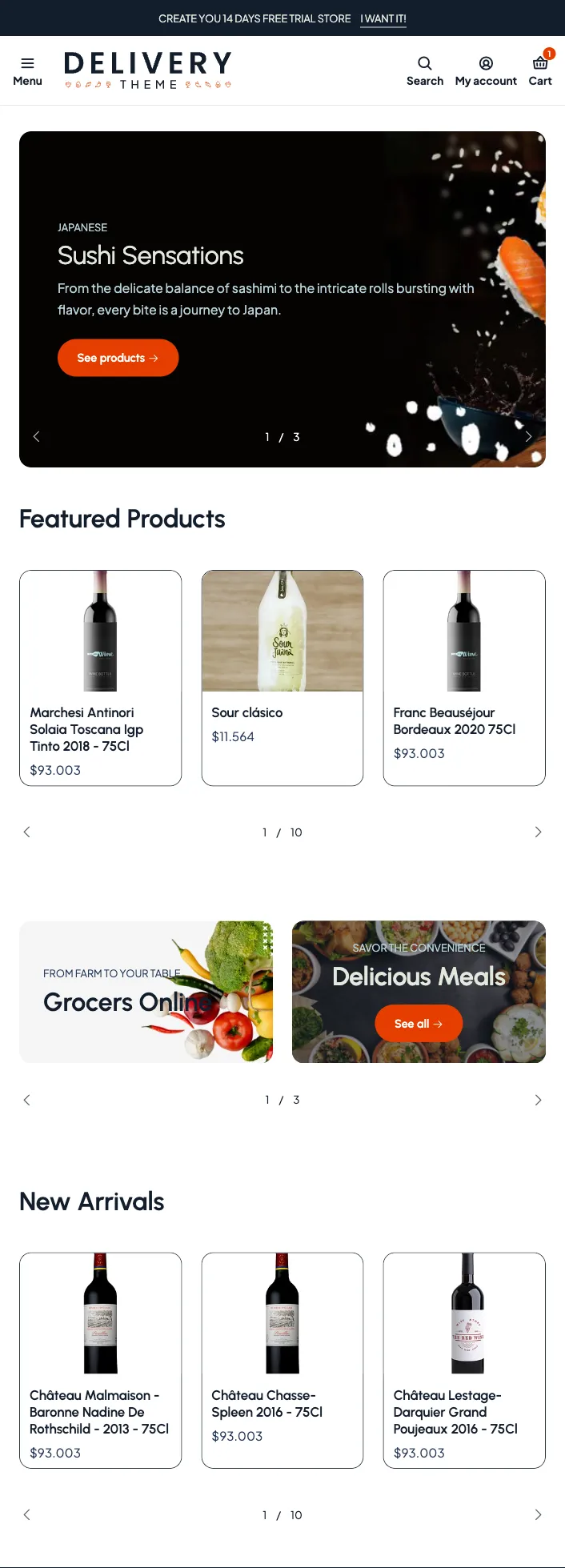
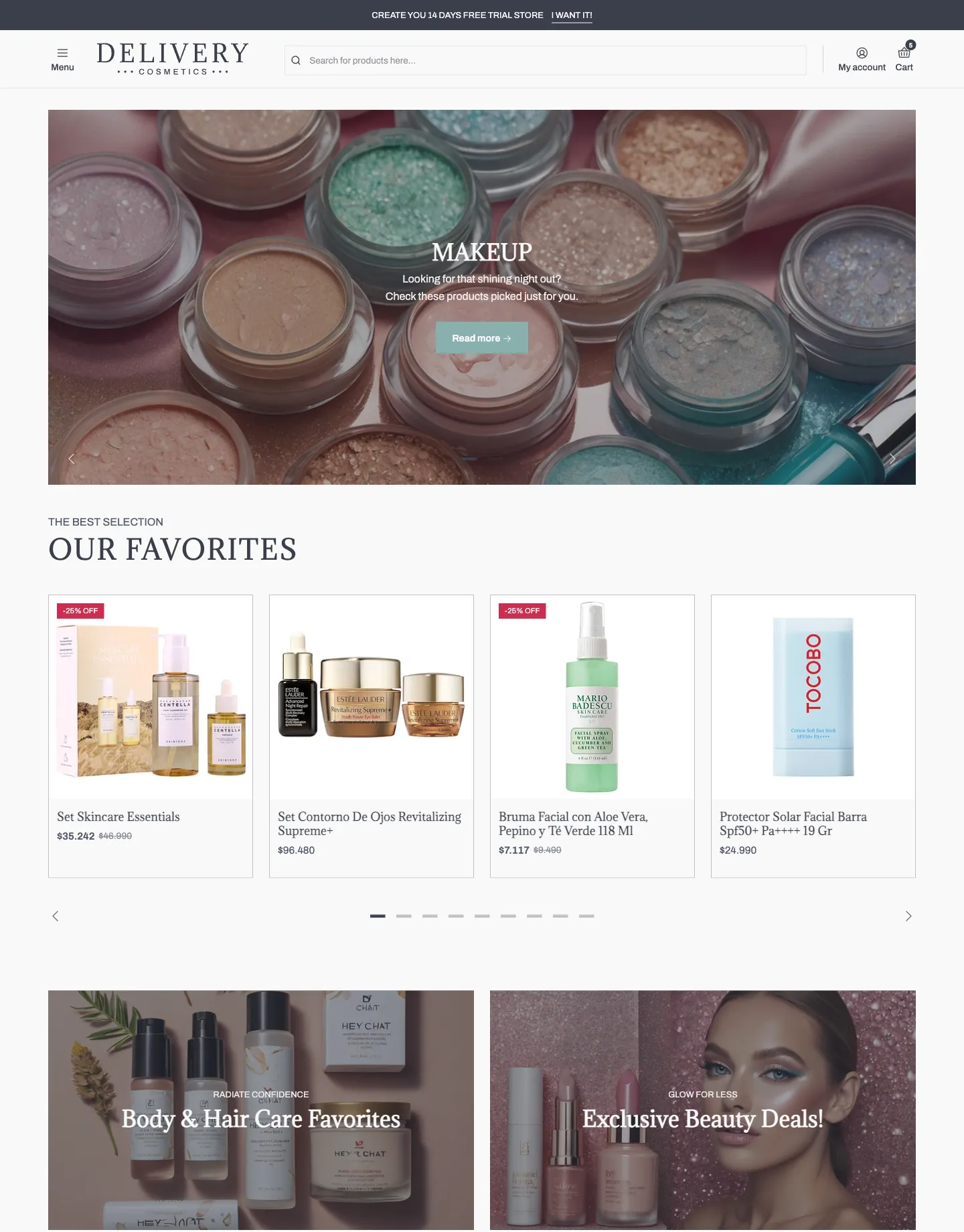
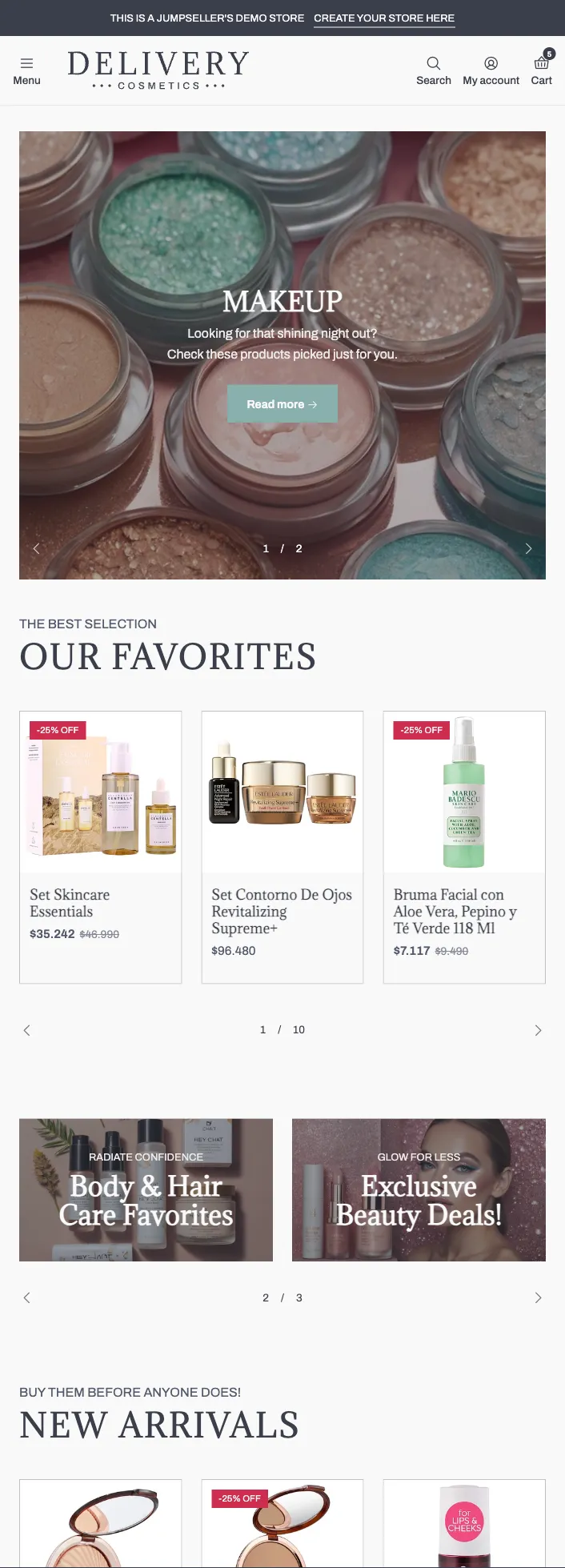
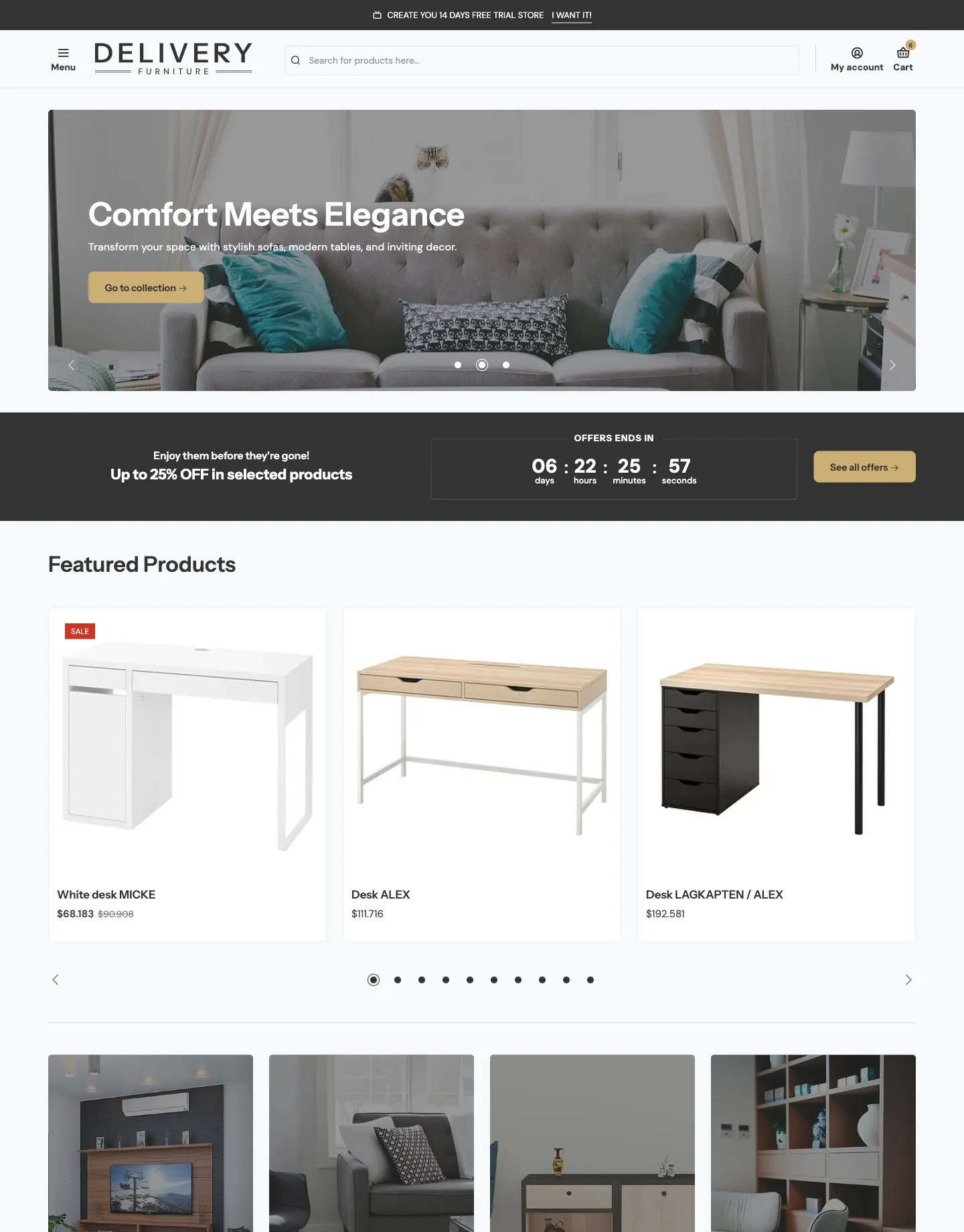
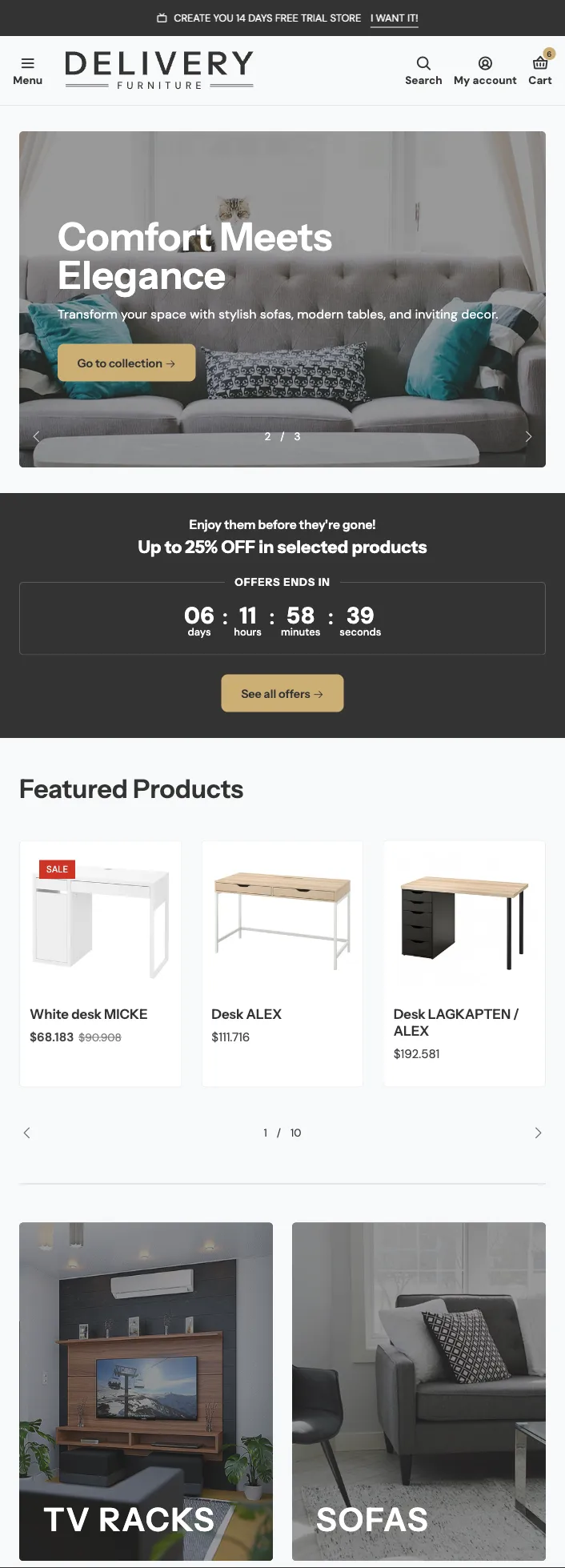
Some examples:
Details
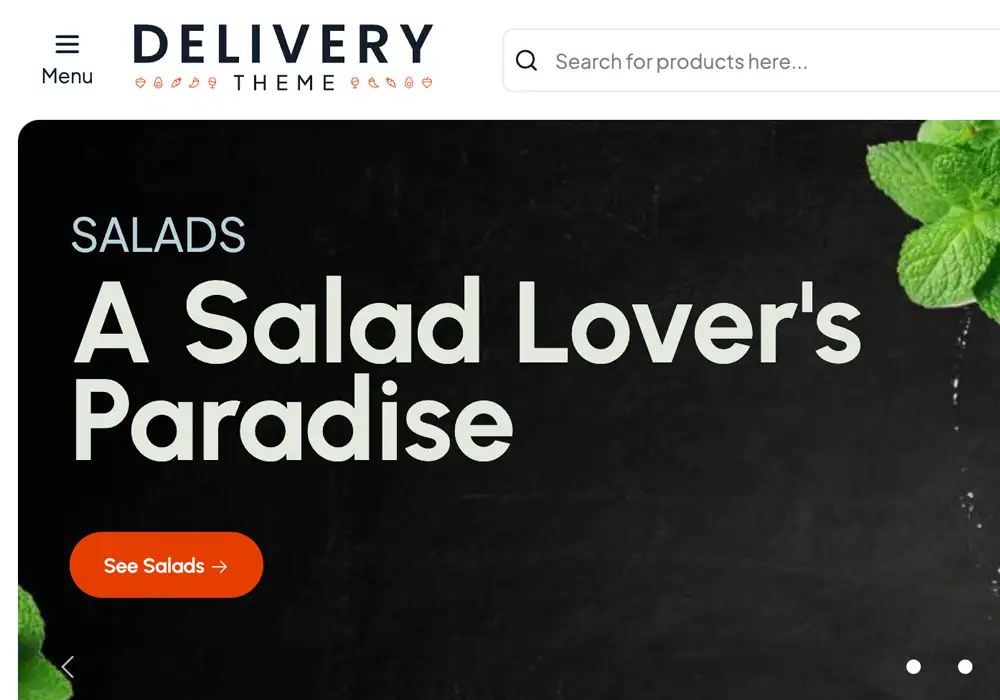
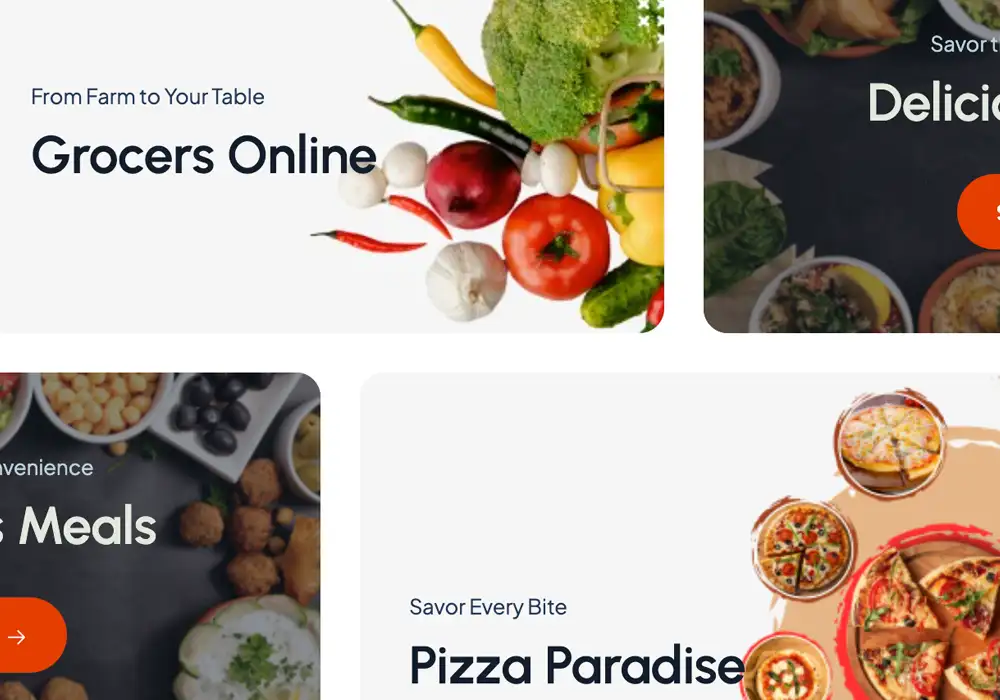
Details

Details
Features
Commerce & Conversion
Bought together products Advanced
Cross selling products
Recommended products
Volume prices
Fast checkout
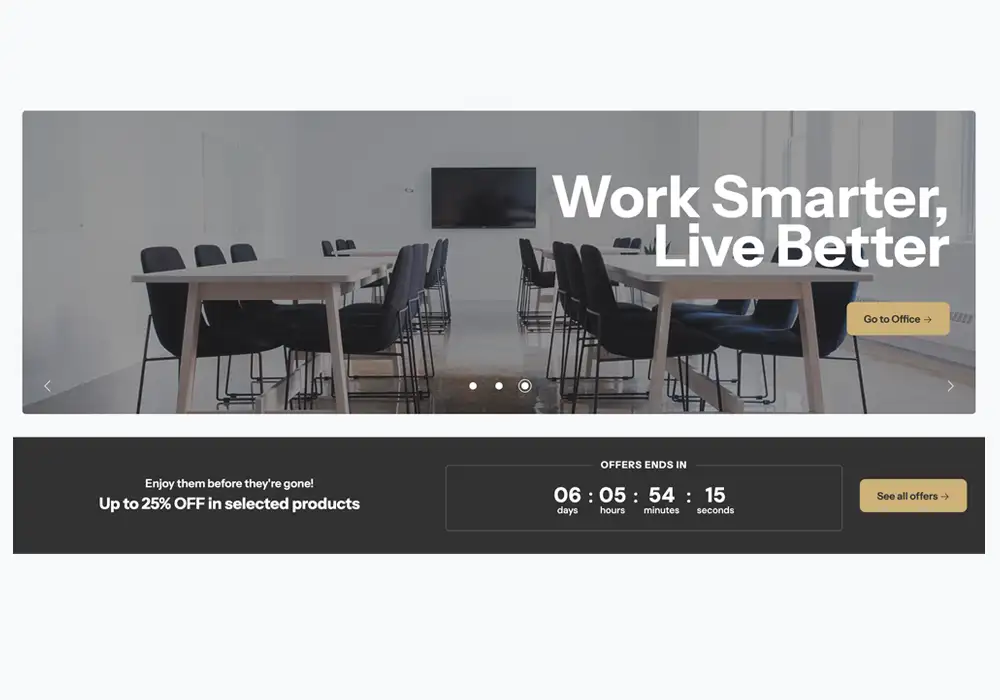
Countdown
Customer Experience & Engagement
Customer login
Subscriptions
Back in Stock Notifications
Appointments / Booking
Newsletter widget
Product reviews
Custom notifications
Wishlist products Pro
Testimonials
Content, Marketing & Discovery
Instagram feed
WhatsApp widget
Social sharing
Video integration
Auto complete search Premium
Mega menu
Advanced Product Filtering Premium
Blog and articles
Global, Customization & Performance
Multiple languages
Multiple currencies
Stock by location
Payment badges
Fully customizable
Code edition access
High SEO performance
Mobile ready
Lightweight / high-performance layouts
Help
Frequently asked questions
Yes. All themes are fully customizable through the Visual Theme Editor. Users on plans with code access (Basic and above) can also edit HTML/Liquid, CSS, and JavaScript files for advanced customization. You need to consider if you edit your code base, those changes will not be transferred to your new theme.
You can have up to 5 themes installed in your store. One of them will be your active main theme, and the other four will remain as drafts. You can edit any draft theme at any time and set it as your main theme whenever you’re ready.
All the customizations you've made through the Visual Editor —including content and design settings— will automatically transfer to the updated version of the theme. The newly installed version will appear in your list of installed themes, and you will need to set it as the main theme for it to become visible on your store's URL.
A Jumpseller theme defines the overall layout, style, and visual structure of your online store. It controls how pages, content, and components appear to visitors and enables brand consistency and usability.
Theme components are modular building blocks (e.g., sliders, banners, footers, galleries) you can add, edit, hide, duplicate, or remove within a theme. Each component can have subcomponents (such as slides within a slider).
Yes. Jumpseller provides a Visual Theme Editor that lets you modify design elements such as colors, typography, and layout through an intuitive interface with a real-time preview.
You can change component settings, template layout, general theme configurations (e.g., fonts, headers, footers), and preview changes before publishing.
Yes. Deleting a theme removes settings made through the Visual Editor, code edits, and navigation menus. It is recommended to export or transfer customizations before deletion.
Yes. Many component settings allow you to define behavior and sizes differently for various devices.
Documentation
Start your journey with us!
Start your free 7-day trial. No credit card required.