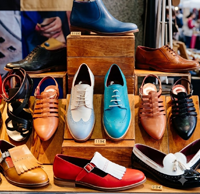
Jumpseller, the platform to sell shoes online

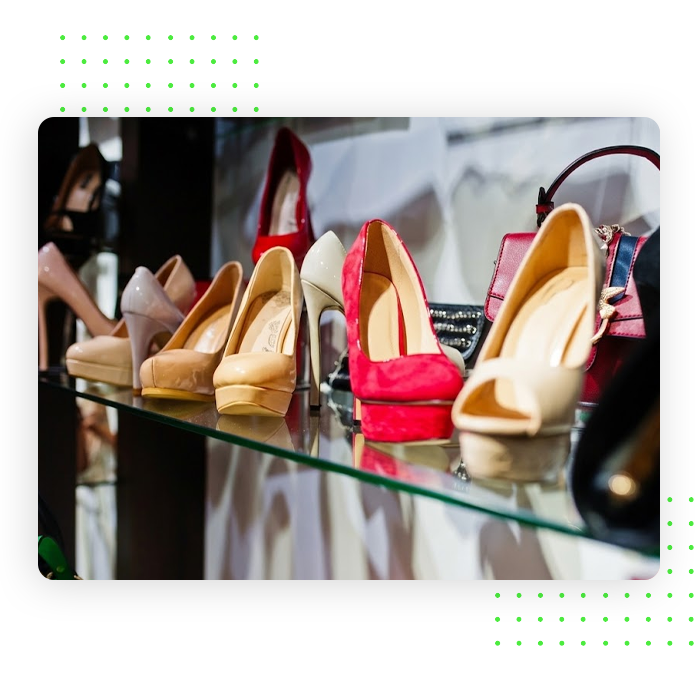
Help shoppers discover their next pair with product filters, collections and detailed photos. Bring models, colours and variant stock together in your own shoe store.
7 day free trial No credit card required
online shoe store

From finding a model to choosing a pair

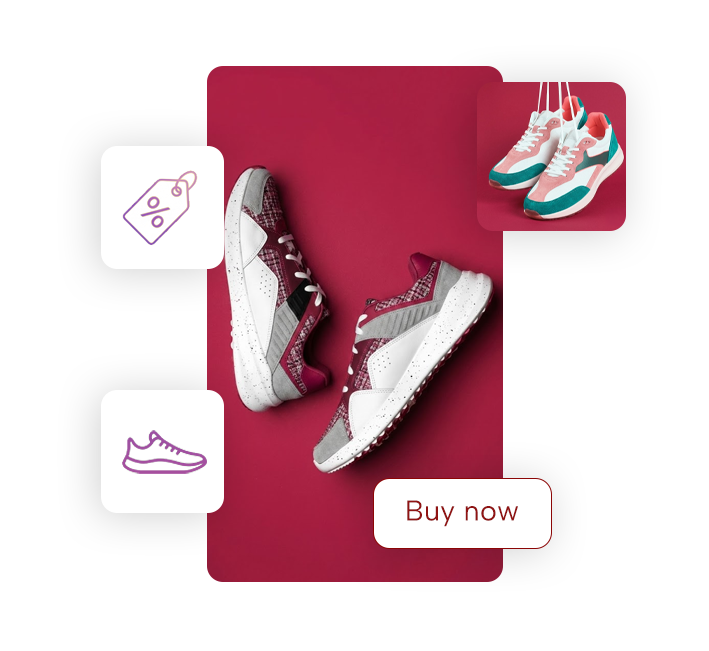
For example, a shopper opens the trainers category and narrows the selection by brand, size and price. Photos and product details help them compare models before choosing black shoes in size 39. The order records the selected model, colour and size for preparation.

Shoe business management

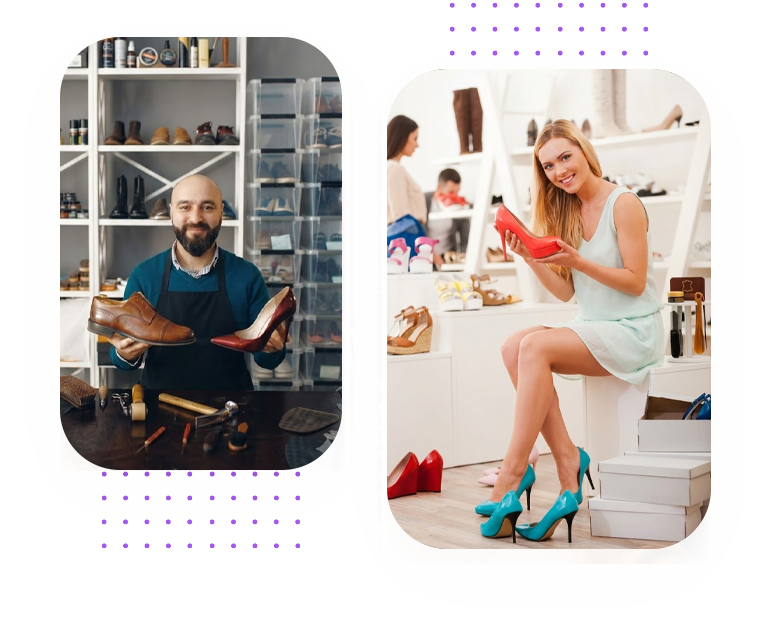
Help shoppers find their next pair

Inventory

Give every size useful measurements

Show a measurement guide, sizing system and fit information alongside photos of the sole, profile and fastening.

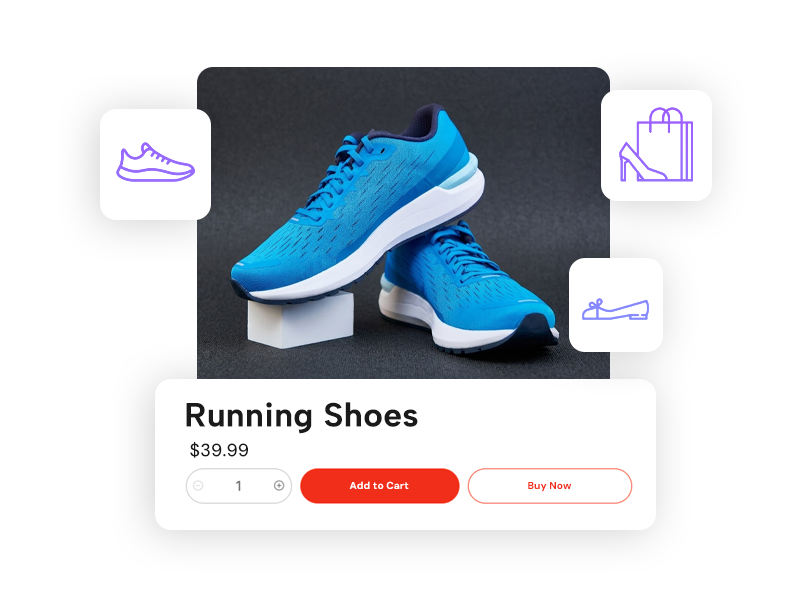
Shipping

Manage the pairs you have by size

Create size and colour variants with their own stock, price and images.

Payments

Filters that make comparison easier

From the Premium plan, let shoppers filter by size, colour, brand, style and price to narrow your shoe catalogue.

Marketing

Bring parcel options into checkout

Configure rates for your packed products and the zones you serve.

Give every collection a place to explore

Organise trainers, boots and sandals into categories, then highlight new arrivals and seasonal collections. Link each campaign to its selection so shoppers can explore models for work, weekends or everyday wear.

Sneakers and Athletic Shoes Formal and Dress Shoes Heels and Flats Kids Footwear Sandals and Boots and much more!
Shoe products
How Does It Work?

How Does It Work?

1

Create a Store

2

Select a Theme

3

Add the Products you offer

4

Start selling!

Keep each ordered size and colour at hand

Check the shoe model in each order Review the selected size and colour Follow payment and shipment status
Mobile app
Questions, answered

Frequently asked questions

Still curious? Our support team can help you.

Talk to a specialist
Show a measurement guide, sizing system and fit information alongside photos of the sole, profile and fastening. Shoppers can compare those details before selecting their size.

Create size and colour variants with their own stock, price and images. Your catalogue can show the available combinations for each model, helping customers choose a pair you have for sale. Configure the formats you sell with product variants.

From the Premium plan, customers can narrow the catalogue by size and colour, configured attributes such as brand and style, and a price range. Categories give trainers, boots and other footwear their own place to explore. Choose which attributes appear in your product filters.
Configure shipping rates for the destinations you serve. Customers see the applicable delivery price at checkout.

Create your shoe store

Start your free 7-day trial. No credit card required.